
Precision Media Management
for the Modern Creative
A sophisticated macOS utility that leverages advanced mathematics and high-performance engineering to reconnect "To Match" media with original sources, regardless of filename changes.
Tired of the relinking nightmare?
Stop wasting hours manually renaming or relinking files when your assets change names or get updated. Whether you're working in Final Cut Pro, Premiere Pro, DaVinci Resolve, or After Effects, Media Matcher is the ultimate shortcut to keep your projects organized and your workflow moving fast.
By intelligently scanning for matching durations, frame rates, and actual visual content, Media Matcher identifies the perfect link between your original assets and your new, renamed, or upscaled files—even if the filenames don't match at all.
What you'll learn in this video:
- How to instantly drag and drop entire timelines for seamless batch processing.
- The easiest way to swap out upscaled or color-graded files without breaking your project.
- How to automate renaming and folder organization with a single click.
- How to work safely with automatic backups, ensuring you never lose an original file.
Whether you're dealing with a few files or hundreds, Media Matcher handles the heavy lifting so you can focus on the creative side of your edit.
Engineered for Excellence
Discover the enterprise-grade tools that make Media Matcher the most reliable relinking utility for macOS.
Multi-modal Fingerprinting & Analysis
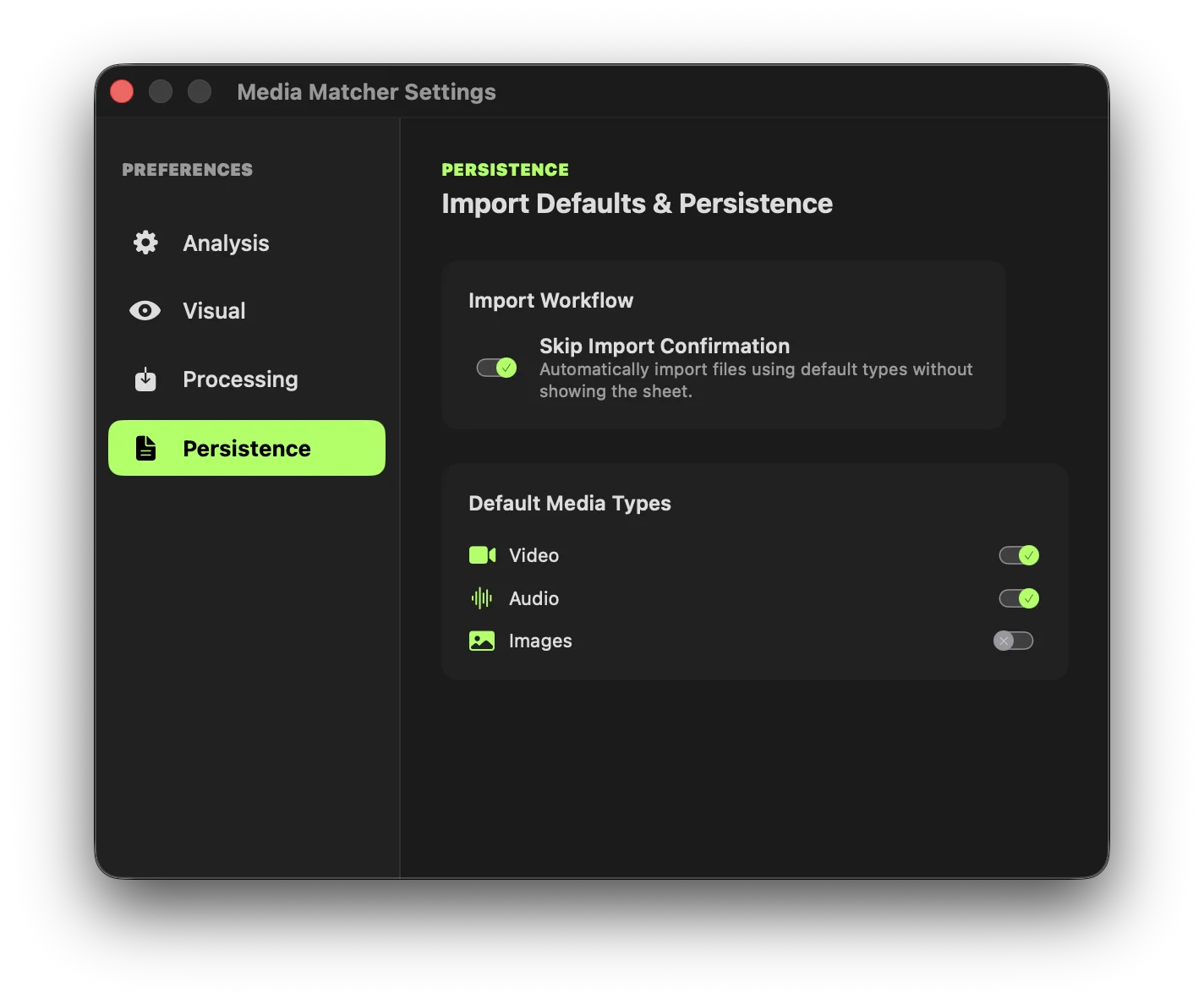
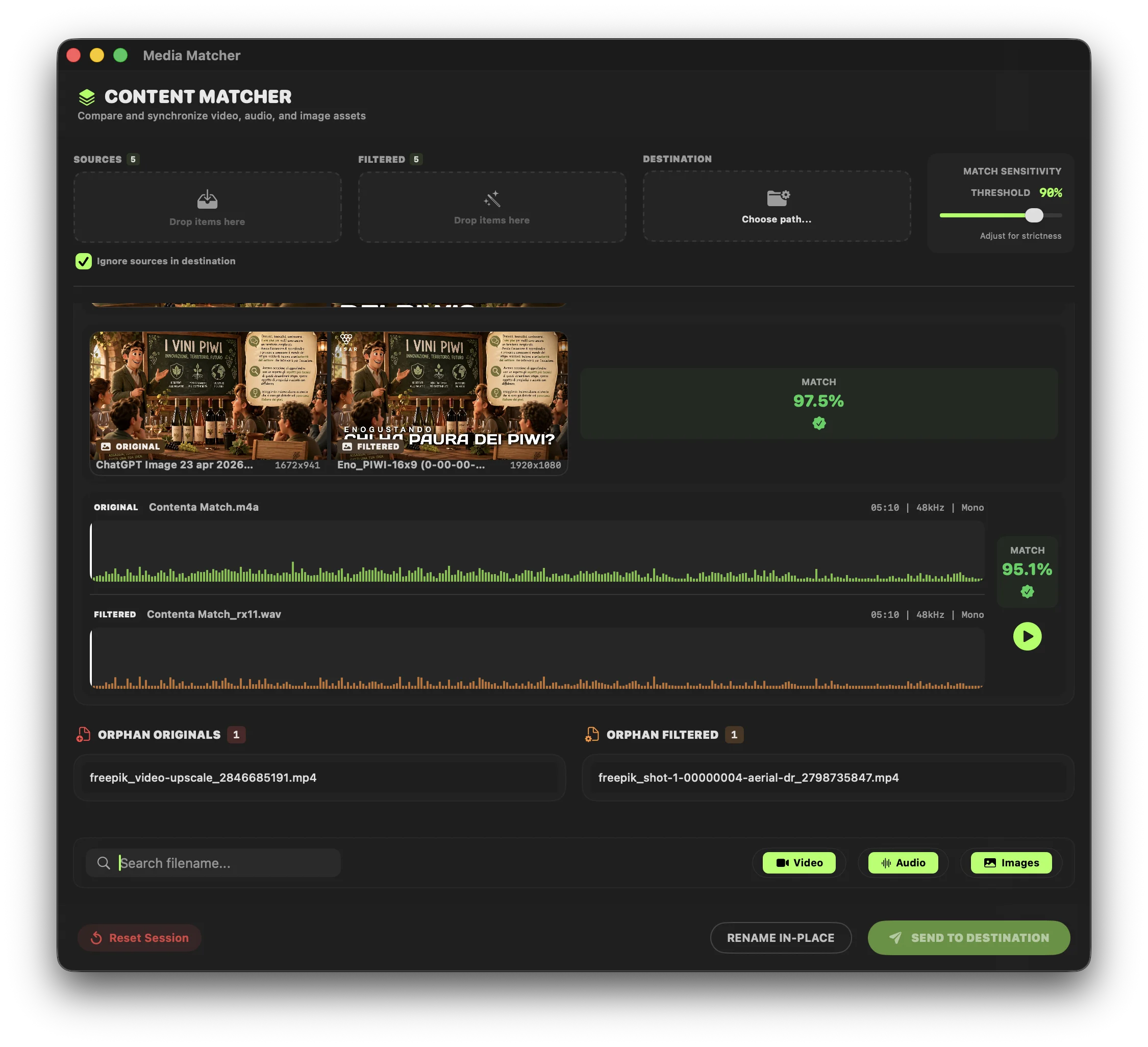
Analysis is performed in a background-detached, non-blocking environment to keep the UI fluid, balancing intelligence with computational performance.
- Video Extraction: Samples frames at calculated intervals, downsampling to 32x32 for memory efficiency while preserving comparison detail.
- Audio Streaming: Uses a single-pass streaming RMS envelope extraction for high-resolution matching and UI visualization.
- Persistent Caching: Fingerprints are stored in a thread-safe JSON cache. Re-import libraries instantly without re-analyzing.
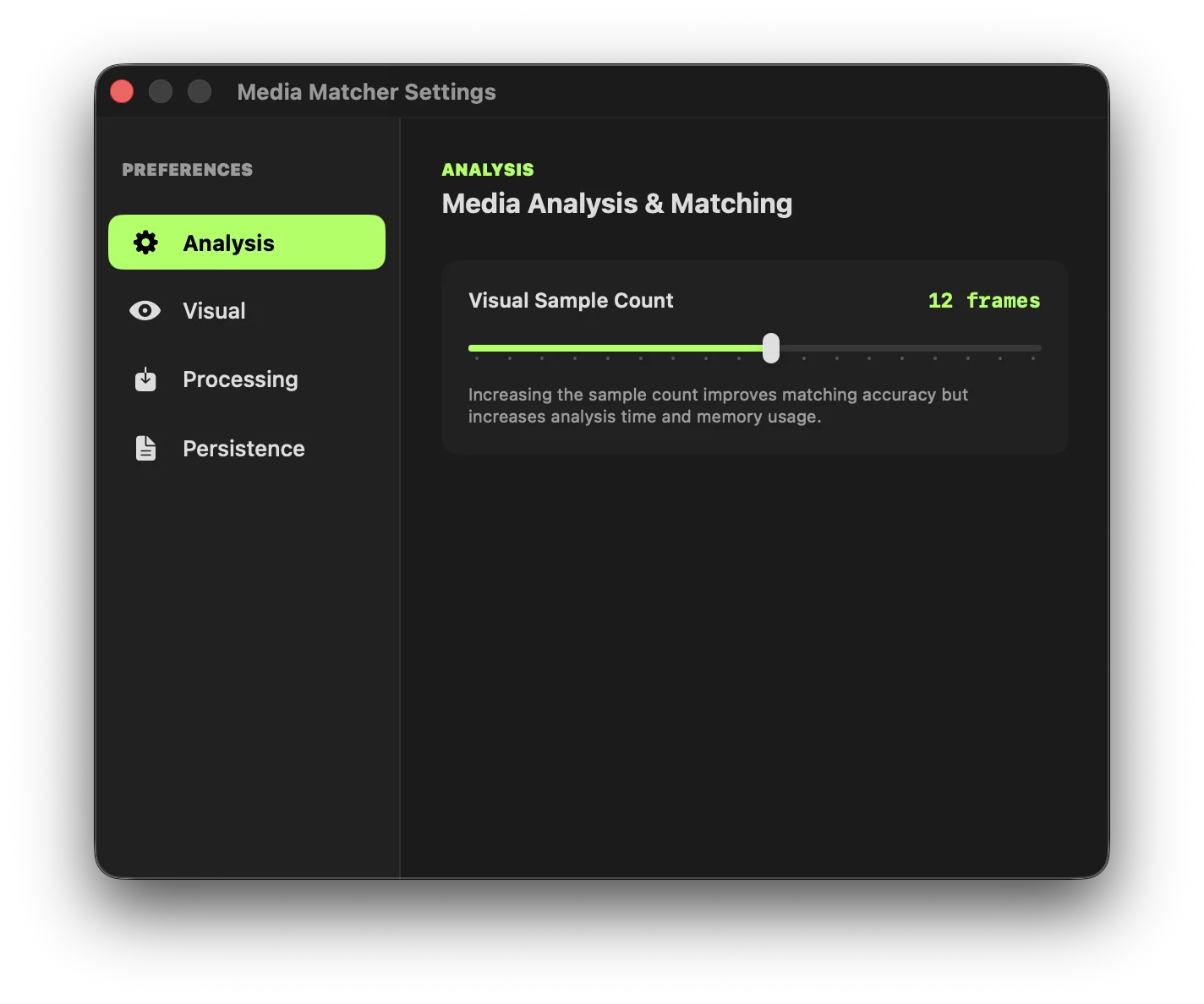
Advanced Verification Tools
Once matches are found, editors need absolute certainty before finalizing. We provide the visual tools to guarantee a perfect sync.
- Overlay Comparison: Layers the "To Match" video over the original with 50% opacity to check alignment.
- Difference Blend Mode: Subtracts pixel values. Any grading shifts or alignment slips appear as glowing discrepancies.
- Synchronized Waveforms: High-performance rendering of audio envelopes with real-time playhead tracking.
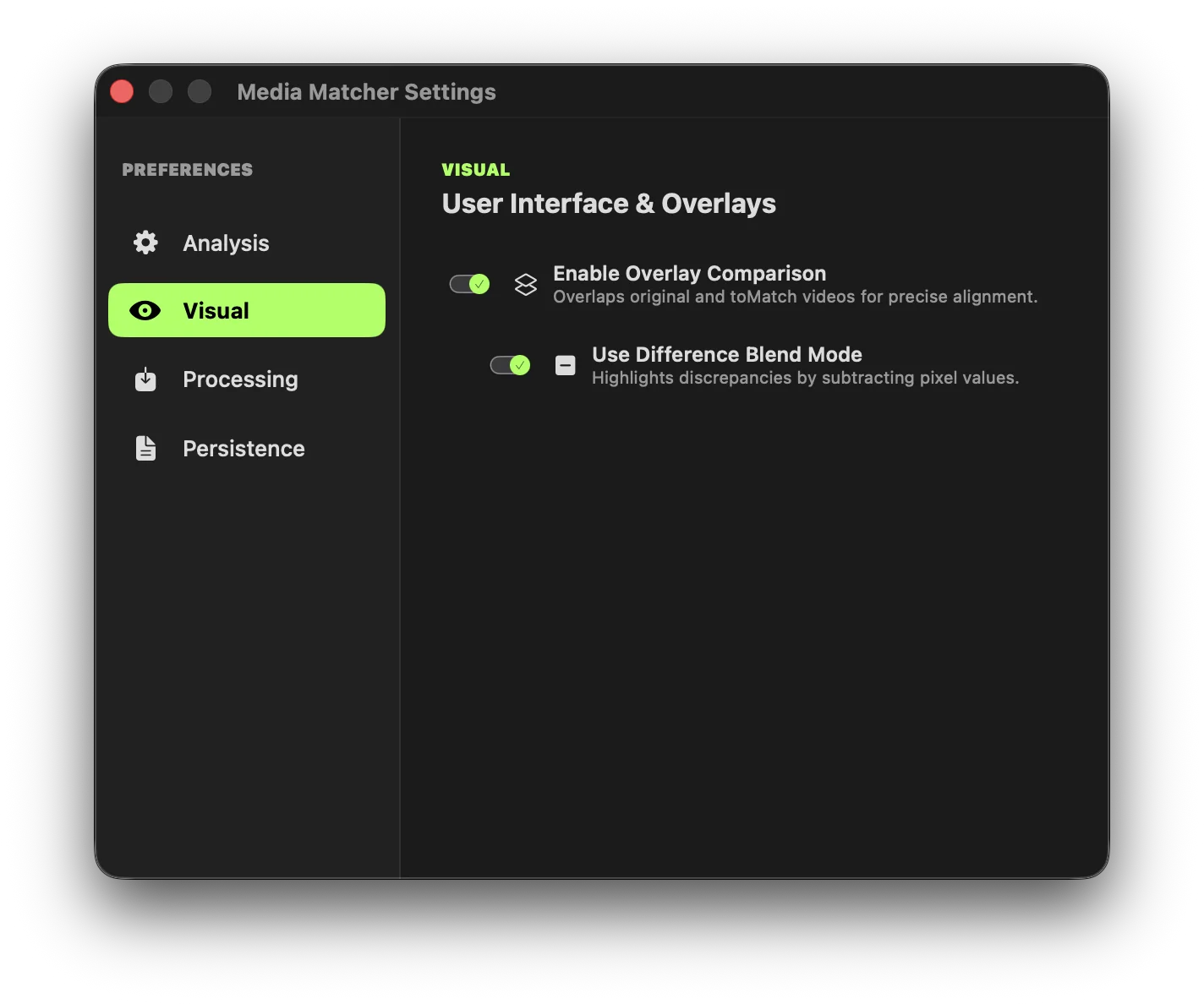
Non-Destructive Asset Management
Define the exact action the engine takes once matches are found, ensuring you never risk your original source media.
- Overwrite & Backup: Professional workflow that overwrites original files but creates a structured, timestamped backup first.
- Collect in Destination: Safely copy or move matching assets to an entirely new location.
- Clear Matched: Automatically cleans the UI of processed assets so you can focus strictly on the remaining orphans.
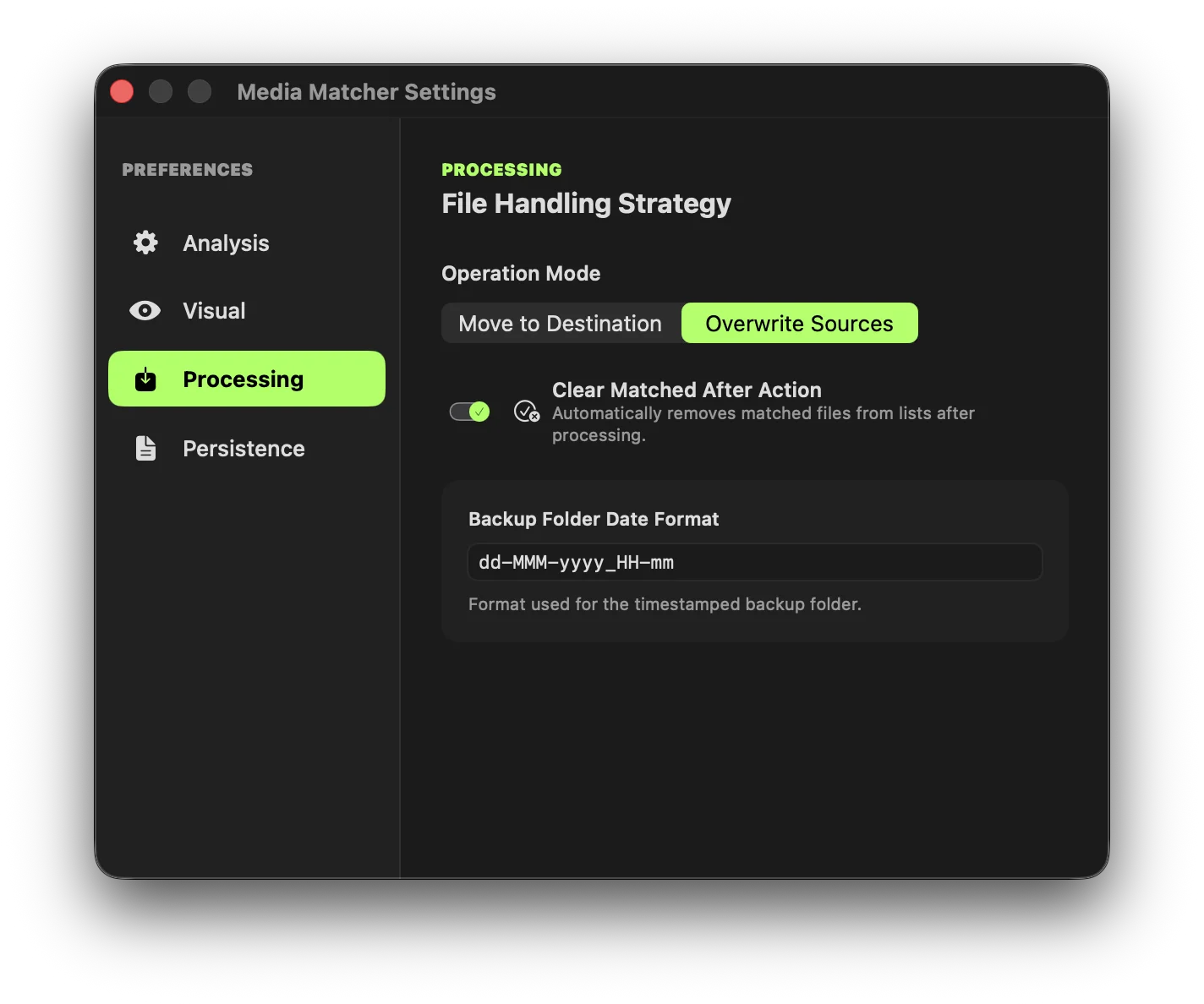
Selective Media Ingest
Prevent workspace clutter with our Interactive Ingest Sheet. Define your default rules for seamless file importation.
- Smart Import: Toggle Video, Audio, or Images selectively upon dropping files.
- Persistent Rules: Enable "Skip Import Confirmation" to automatically ingest your preferred formats in the future.
- Advanced Filtering: Isolate assets instantly by creation date, duration constraints, file size, or exact resolution.
Intuitive Main Interface
Experience a sleek, native macOS design that keeps you organized. It adapts dynamically to display metadata intelligently, giving you everything you need at a glance.
- Pro Dark Theme: Optimized for color-grading suites and edit bays.
- Smart Formatting: Automatically maps standard resolutions, precise FPS, and dynamic duration displays based on clip length.
Under the Hood
Hungarian Algorithm
A global cost matrix ensures the mathematically best configuration, minimizing the total distance sum across all imported assets for globally optimal matching.
vDSP Acceleration
Utilizes Apple's Accelerate framework to perform vectorized SIMD operations, calculating pixel distances at near-hardware speeds.
FCPXML Integration
Directly import Final Cut Pro timelines. Media Matcher automatically crawls and loads every referenced asset—no manual folder selection required.
Thread-Safe Architecture
Built with Swift 6.0 Strict Concurrency, utilizing NSLock and atomic collections to handle asynchronous frame generation reliably without data races.
Ready to supercharge your workflow?
Join professional editors who have eliminated the relinking nightmare. Fast, effective, and built to make your post-production process effortless.