FCP AutoDuck NX
Automatic Ducking for Final Cut Pro
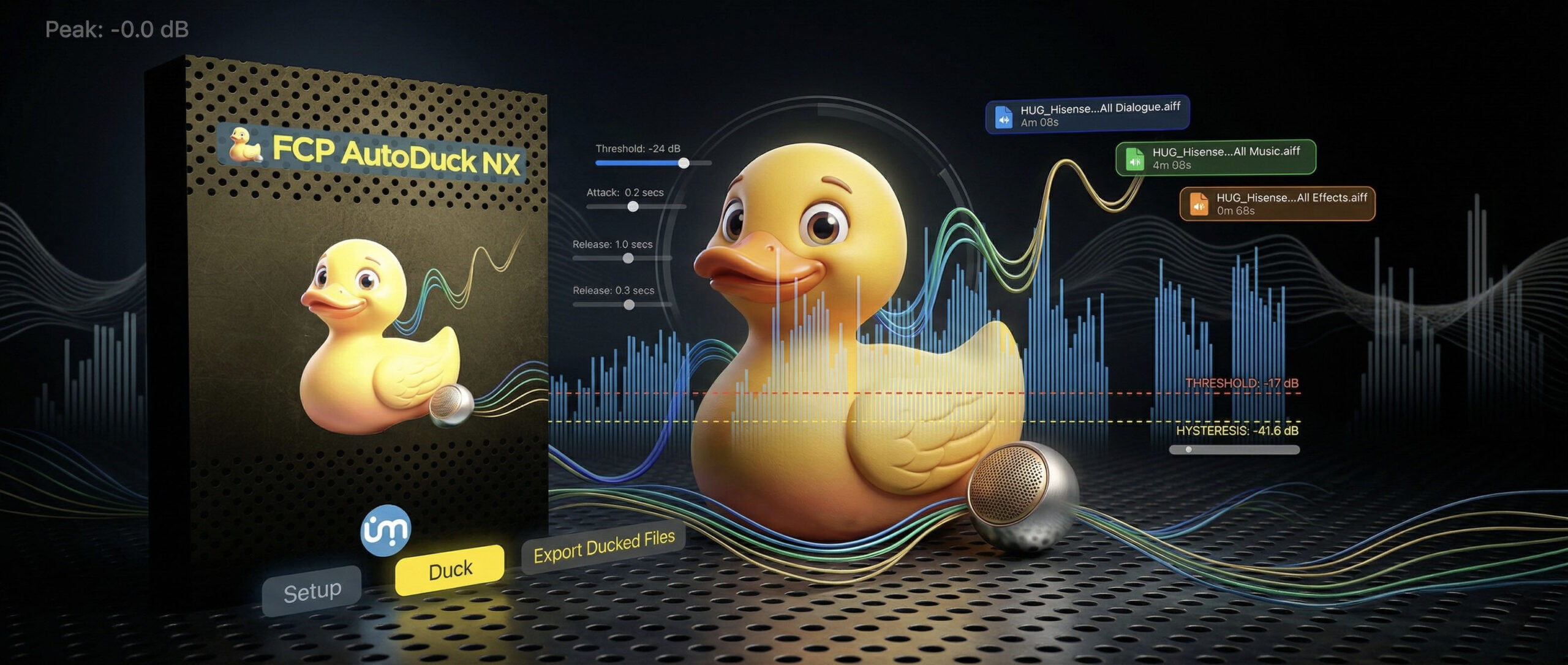

Are you exhausted from manually adding hundreds of volume keyframes just to lower the music every time someone speaks in your video? FCP AutoDuck NX (formerly FCPX AutoDuck) is the ultimate, professional-grade utility developed by Ulti.Media that revolutionizes your Final Cut Pro workflow. In mere seconds, it analyzes your dialogue tracks and automatically generates perfect, incredibly natural volume transitions for both background music and sound effects. Let the software handle the tedious work while you focus entirely on storytelling.
Discover the refreshed interface and learn how to seamlessly apply ducking to both music and sound effects in your Final Cut Pro timeline.
Dive deep into the new visual features. Learn how to fine-tune your audio ducking for professional, radio-style seamless results using Attack and Pre-Roll.
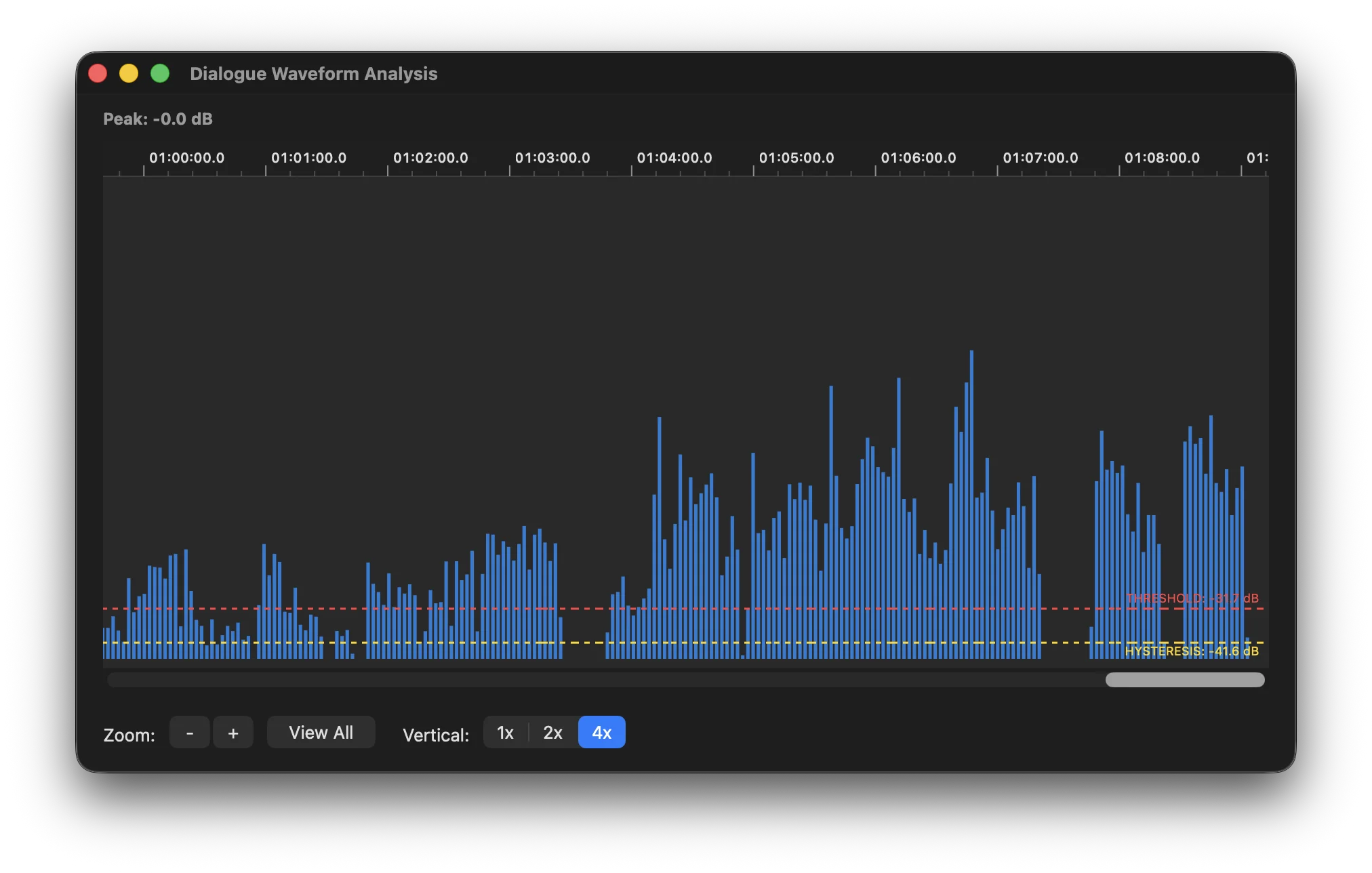
You no longer have to guess your audio levels. FCP AutoDuck NX allows you to vividly visualize your dialogue waveform. You can set the perfect threshold to trigger your music ducking, even when dealing with notoriously low-volume audio. Simply drag and drop the visual lines directly on the waveform to set exactly when the ducking should trigger and release. It provides absolute total control, combined with incredible visual convenience.
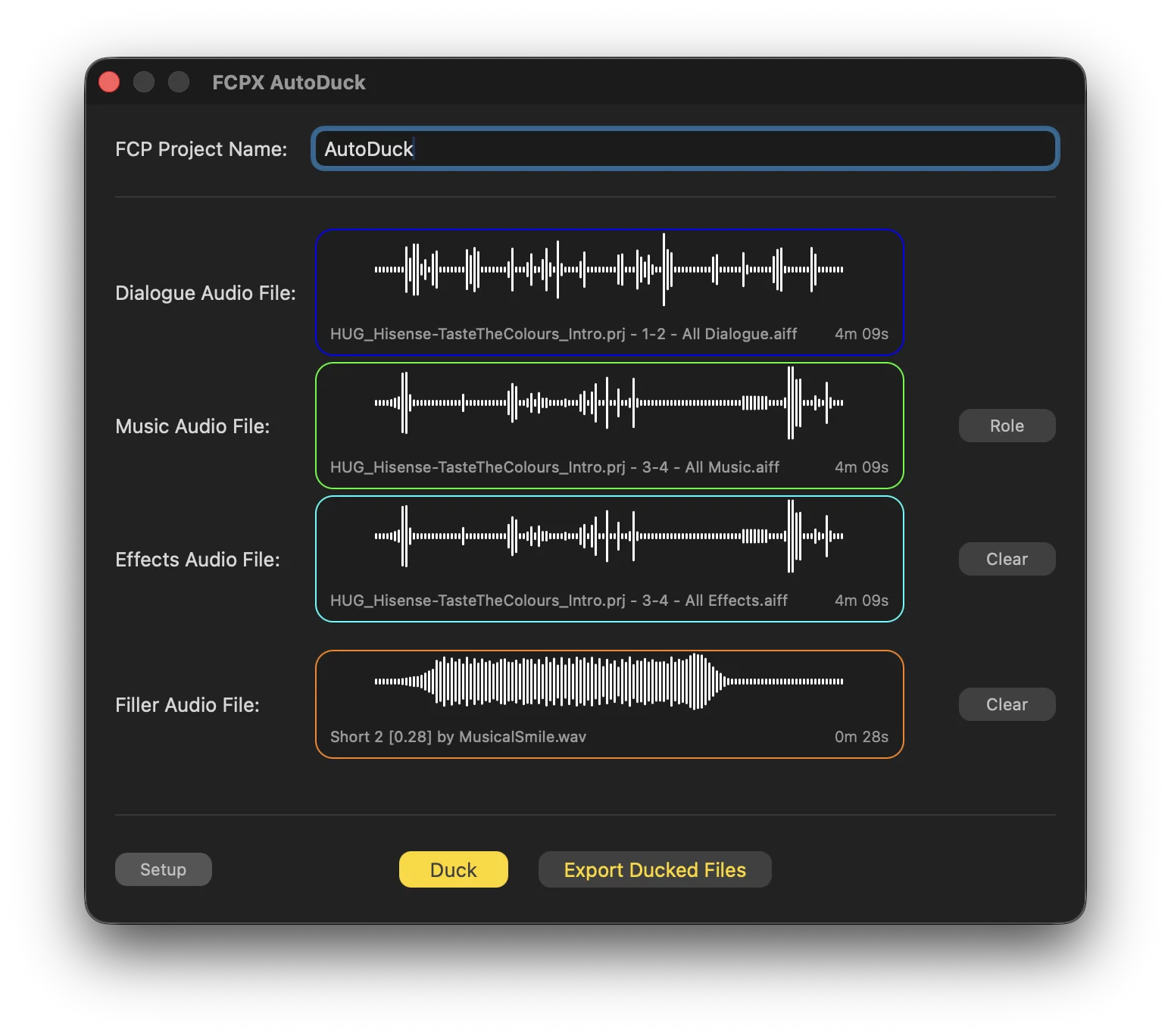
Forget the limitations of the past. The brand new engine of FCP AutoDuck NX features a completely redesigned user interface built to handle the most complex editing workflows. It is no longer limited to just your soundtrack: you can now seamlessly duck sound effects simultaneously! The application supports up to four simultaneous audio paths: Dialogue, Music, Sound Effects, and Filler. Organizing and routing your timeline audio has never been this powerful and intuitive.
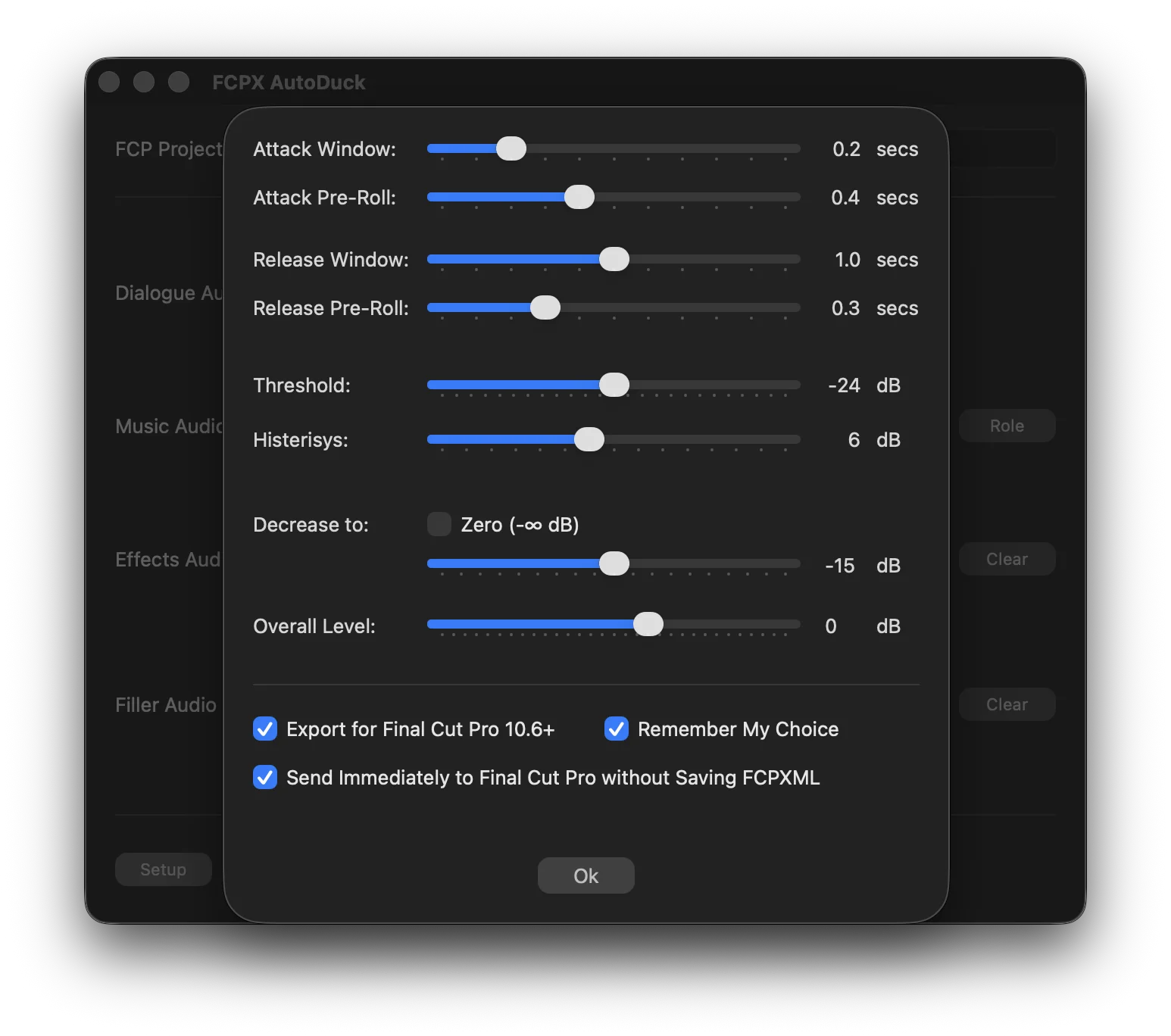
A phenomenal audio mix shouldn't be "noticed"—it should flow naturally. Avoid those harsh, abrupt, and annoying volume jumps by taking advantage of dedicated parameters like "Attack" and "Pre-roll", which intelligently anticipate and soften the audio transitions. Furthermore, by utilizing the "Hysteresis" setting, you ensure that your background music doesn't awkwardly snap back to full volume between sentences, but instead waits for the perfect moment of silence. Achieve recording studio results right at your editing desk.